Mirumoji
An open-source, self-hosted Japanese Immersion Toolkit
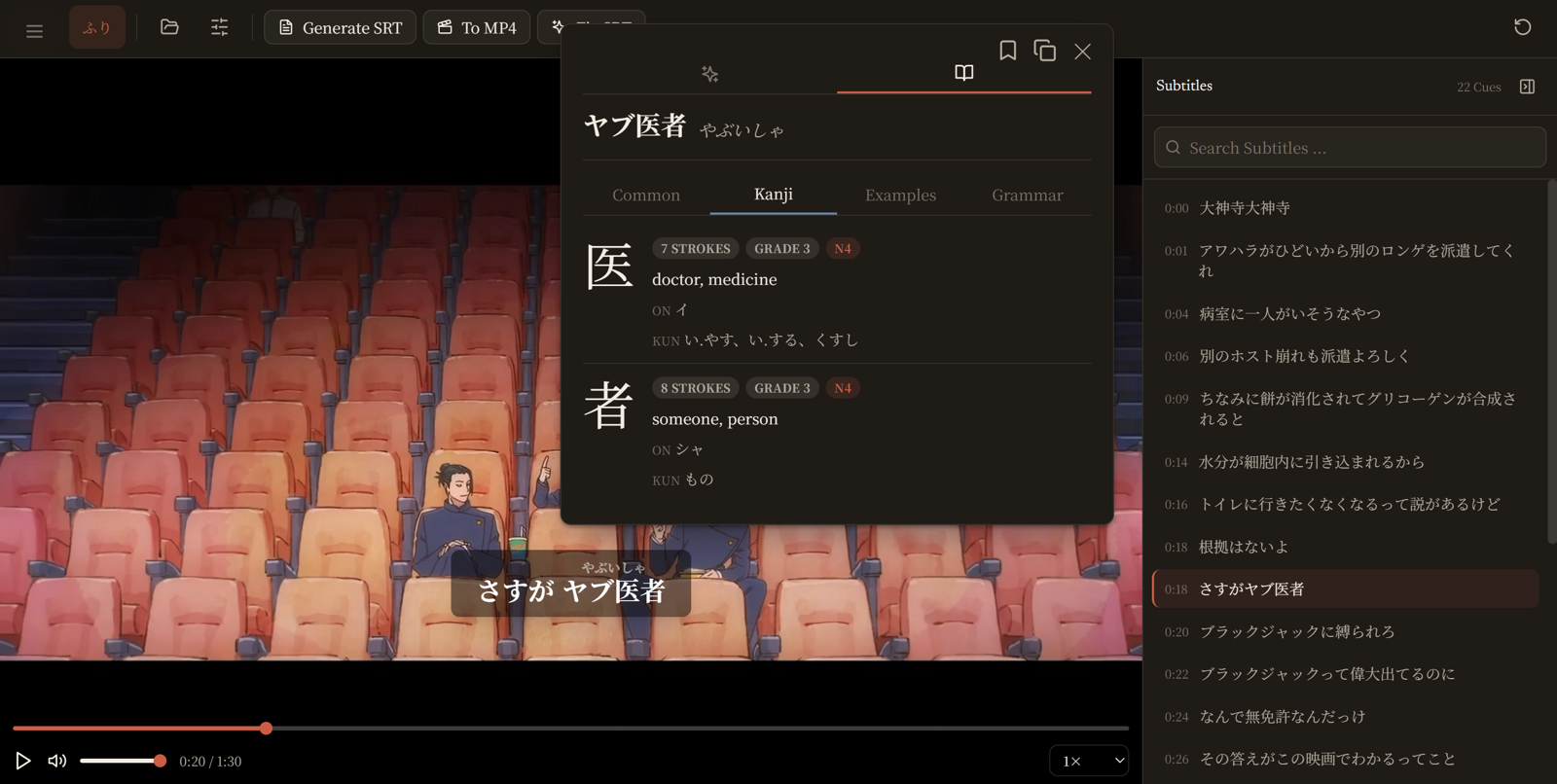
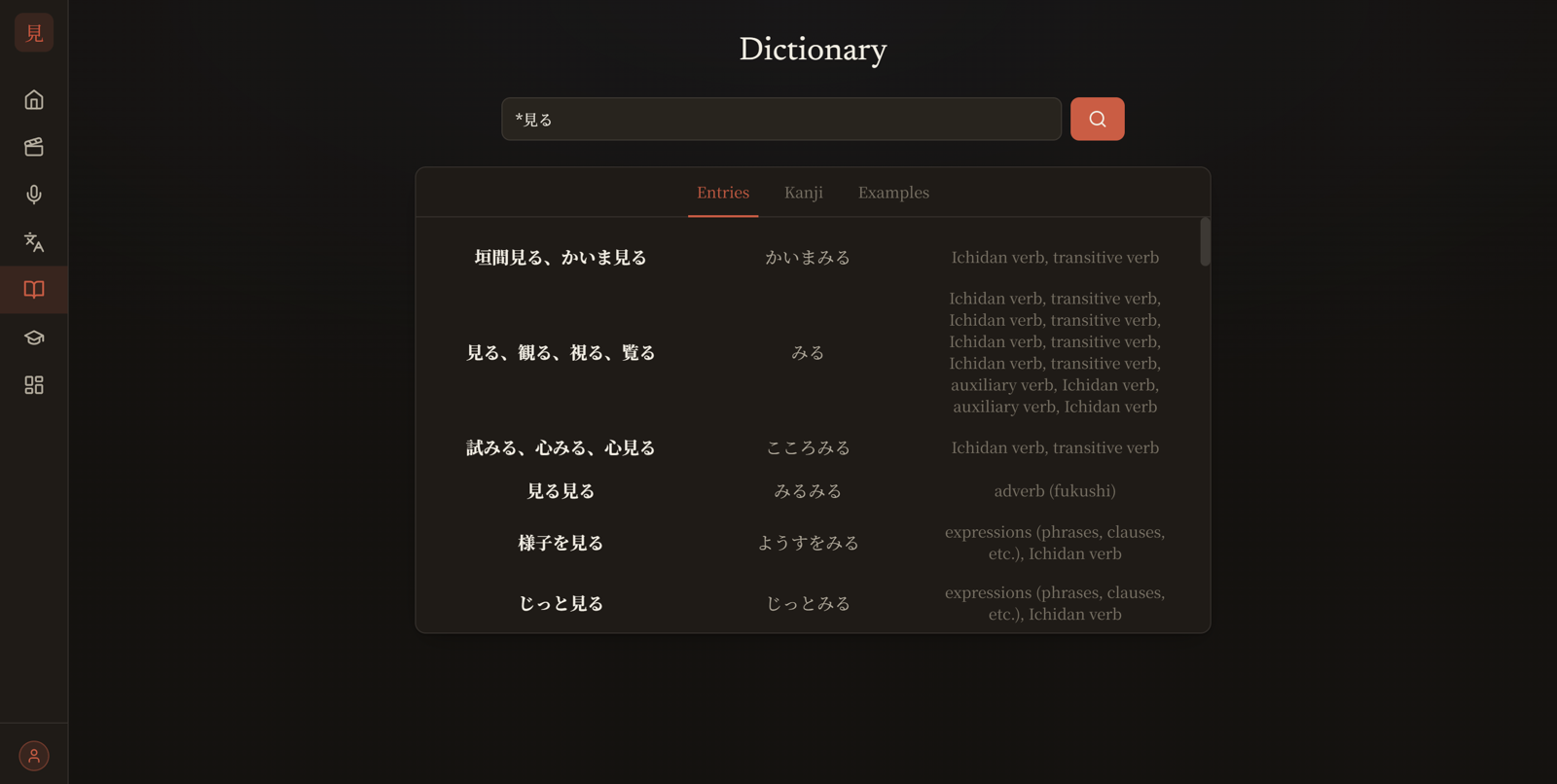
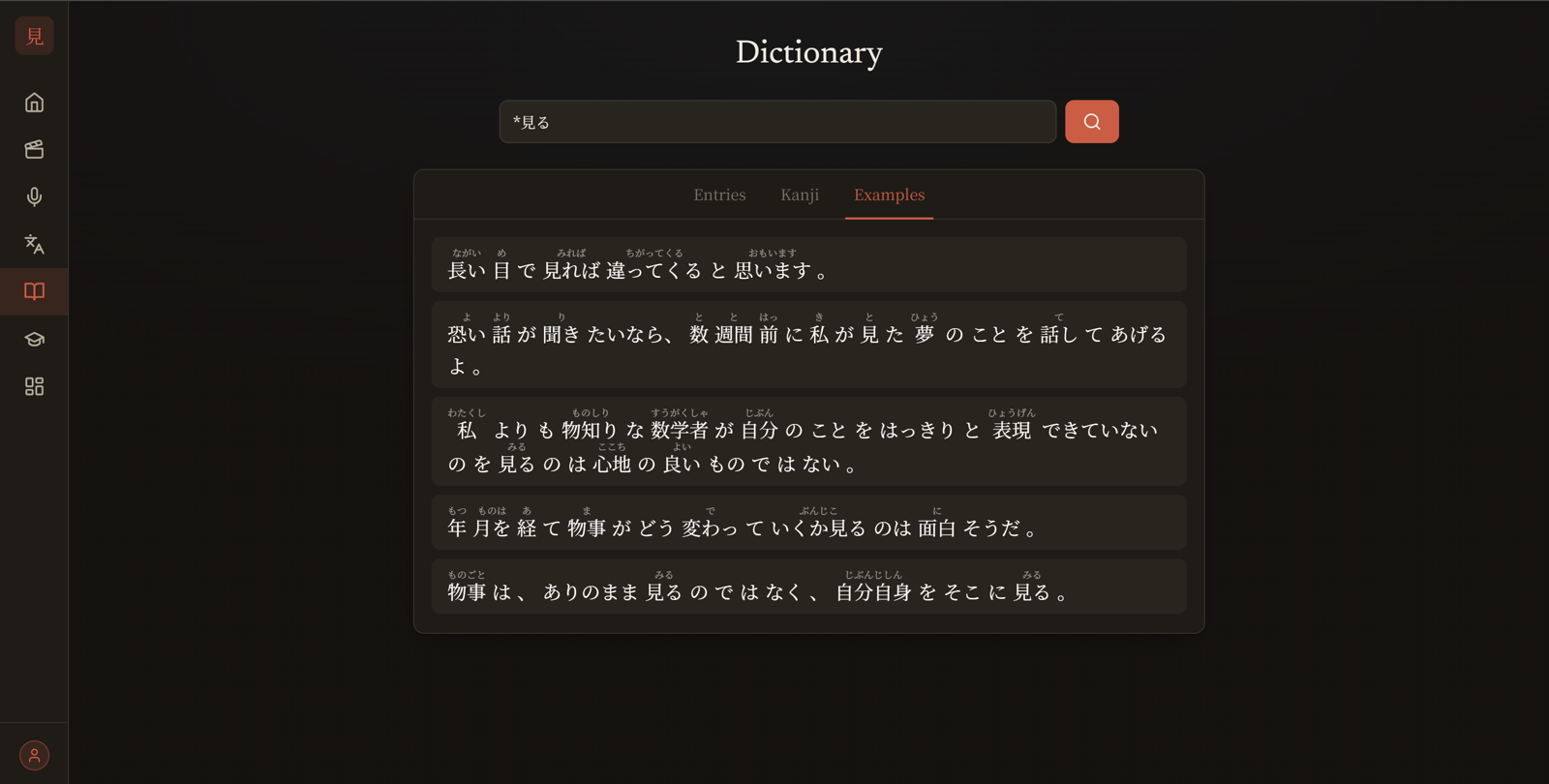
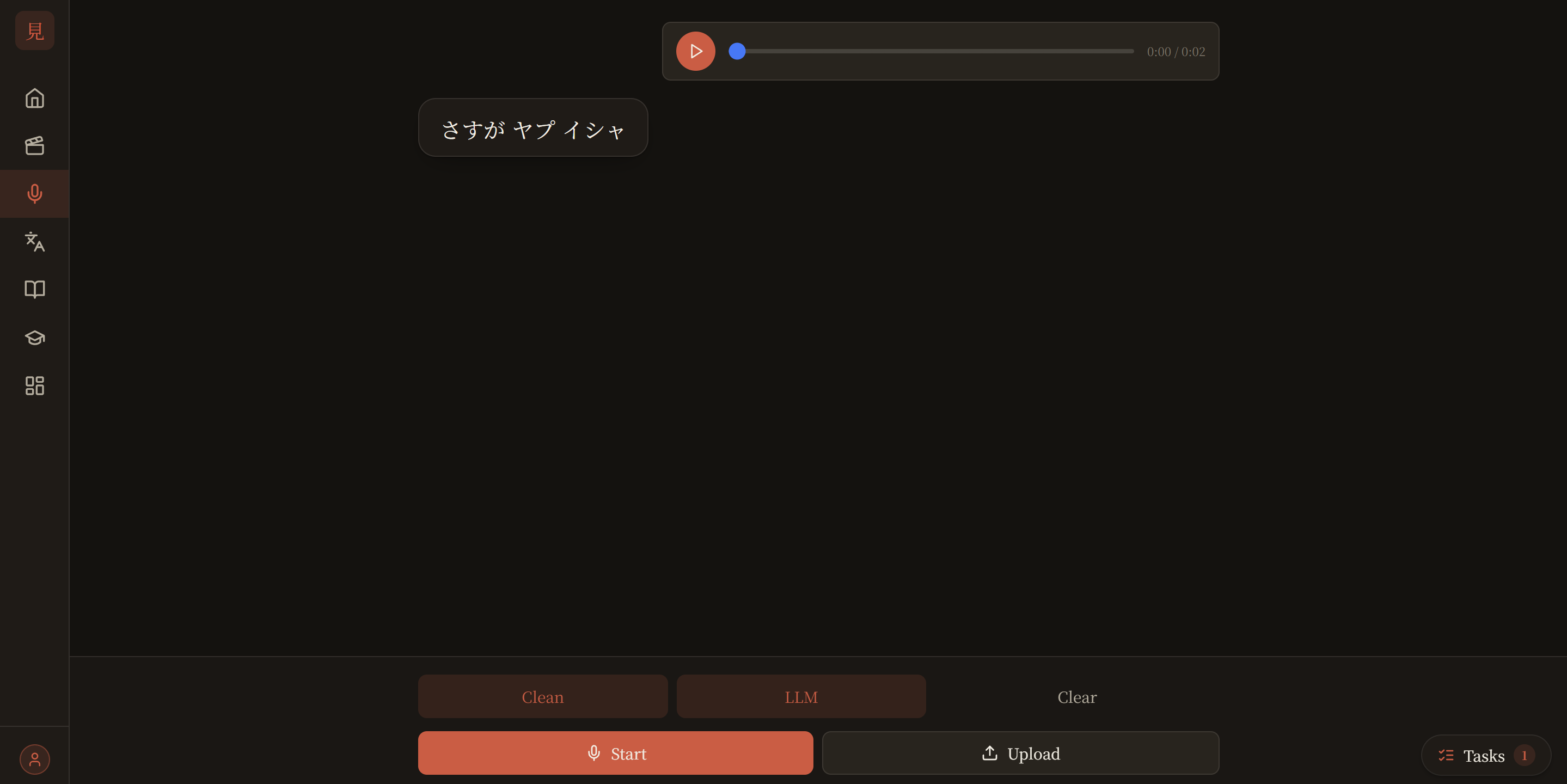
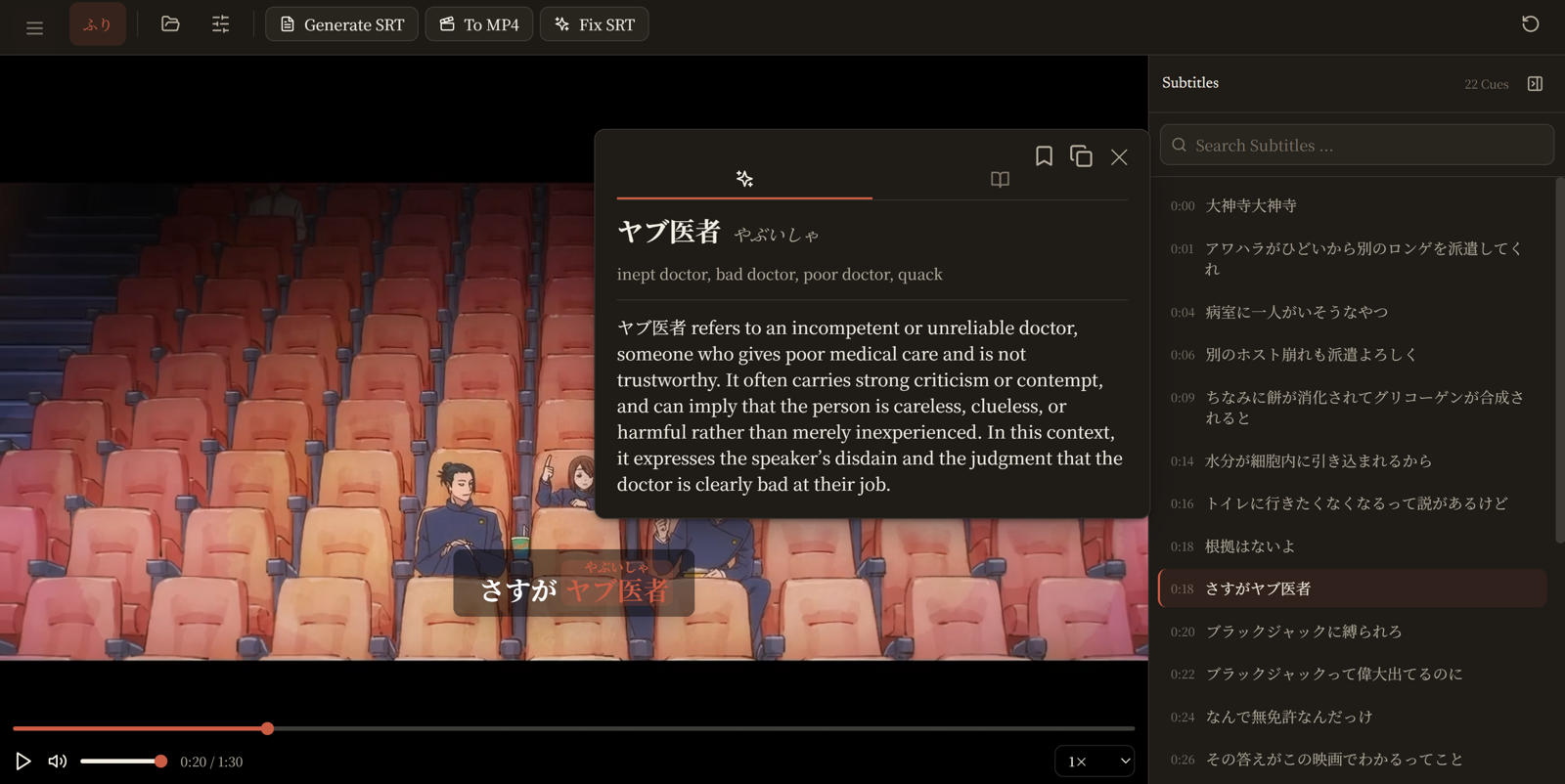
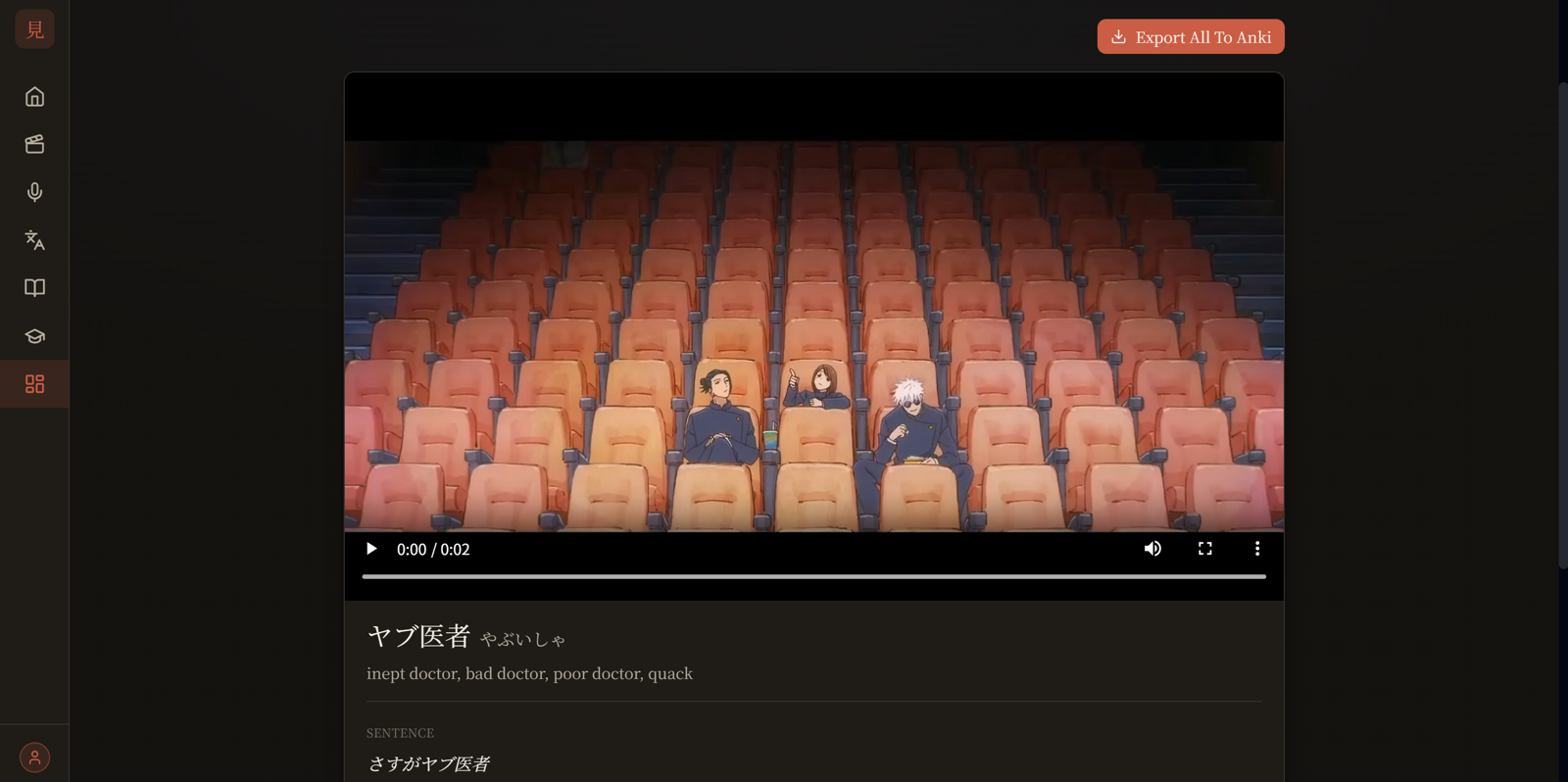
Drop in a video, an anime episode, a drama, or an audio clip and Mirumoji gives you clickable tokenized subtitles with instant dictionary lookups whisper-powered subtitle generation, clip saving, and Anki export. All running locally in Docker, with optional cloud GPU and LLM features
Get Started Try the Live Preview
Features
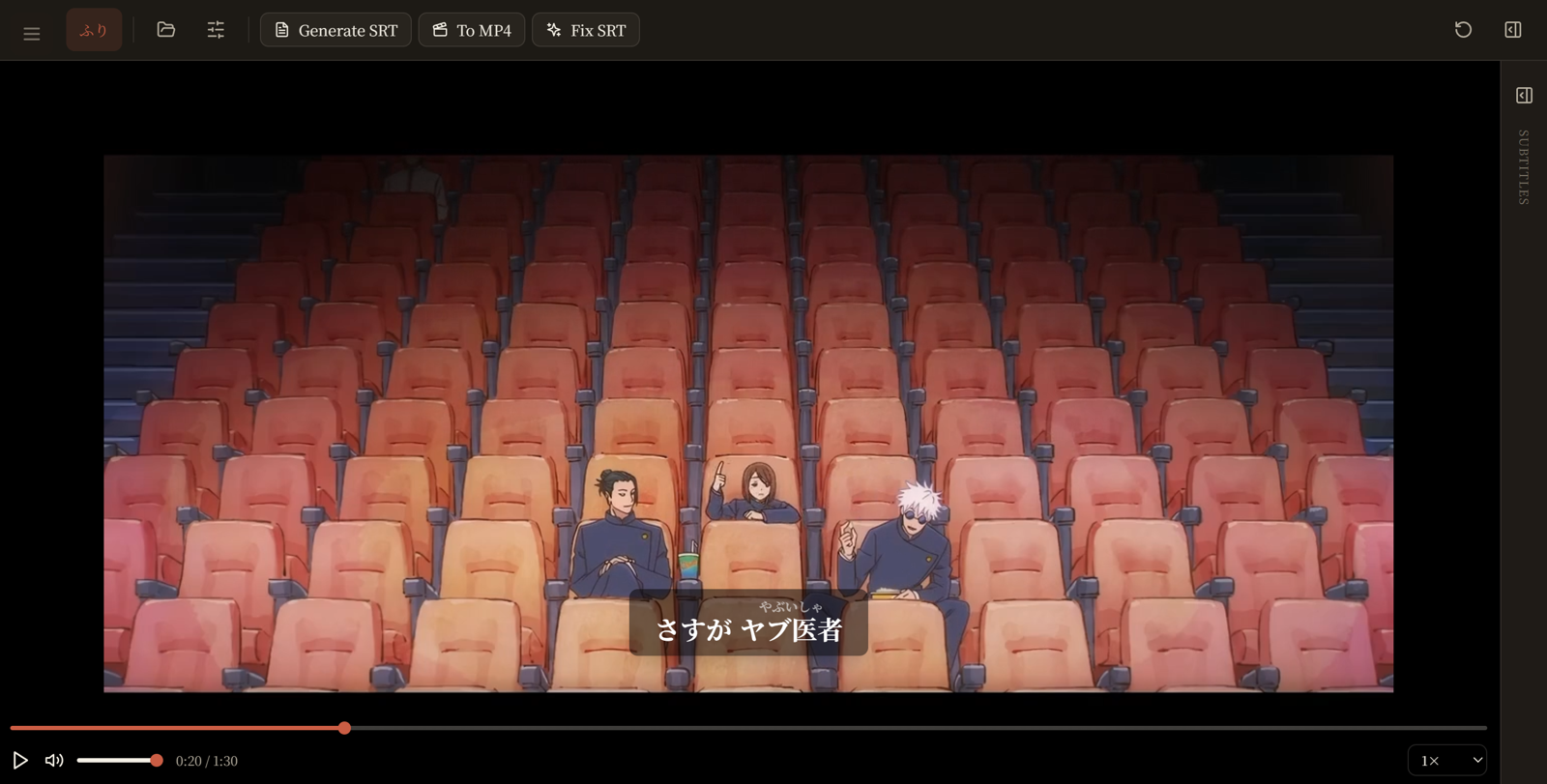
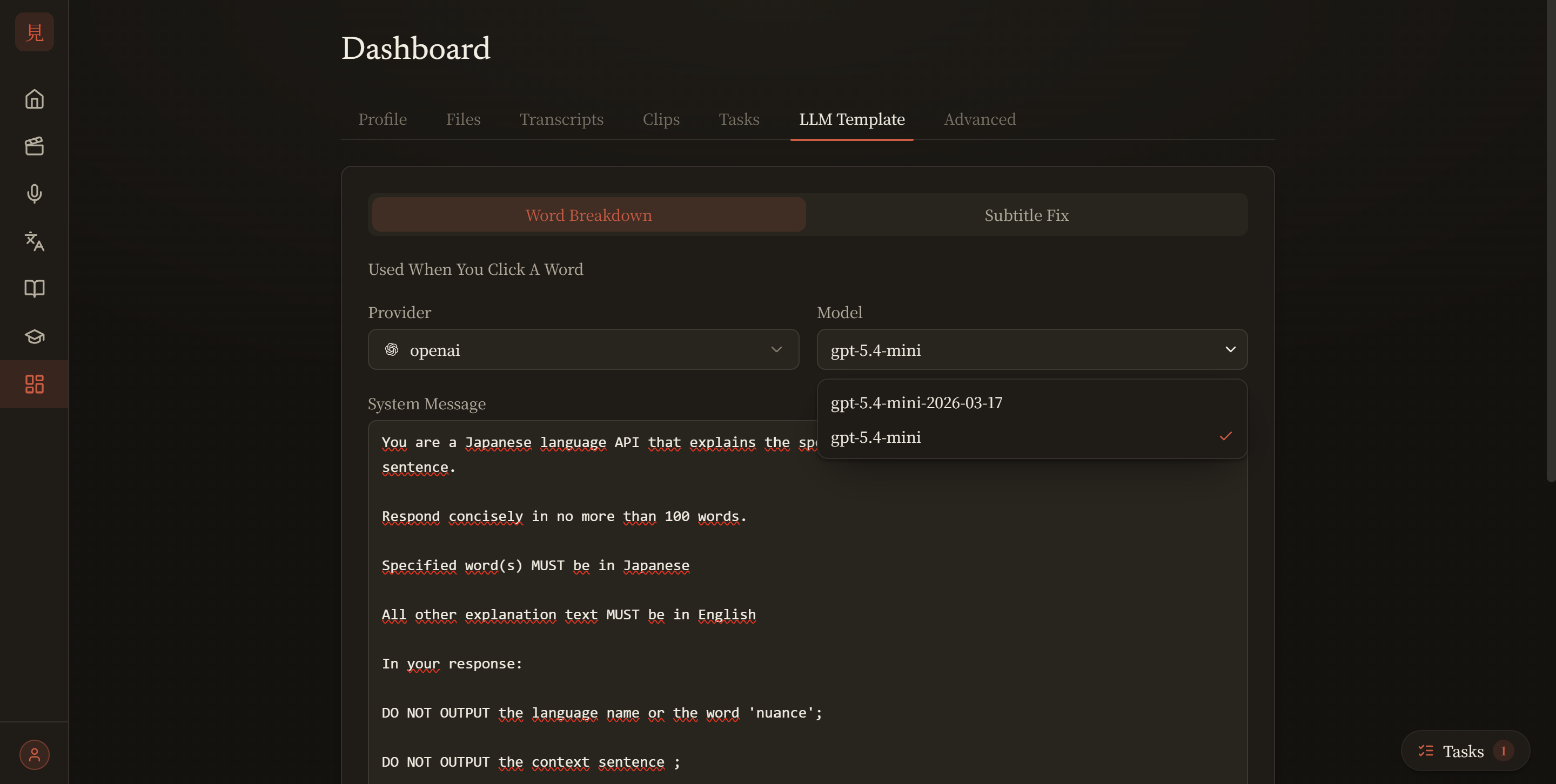
.srt subtitles, with synced, clickable Japanese lines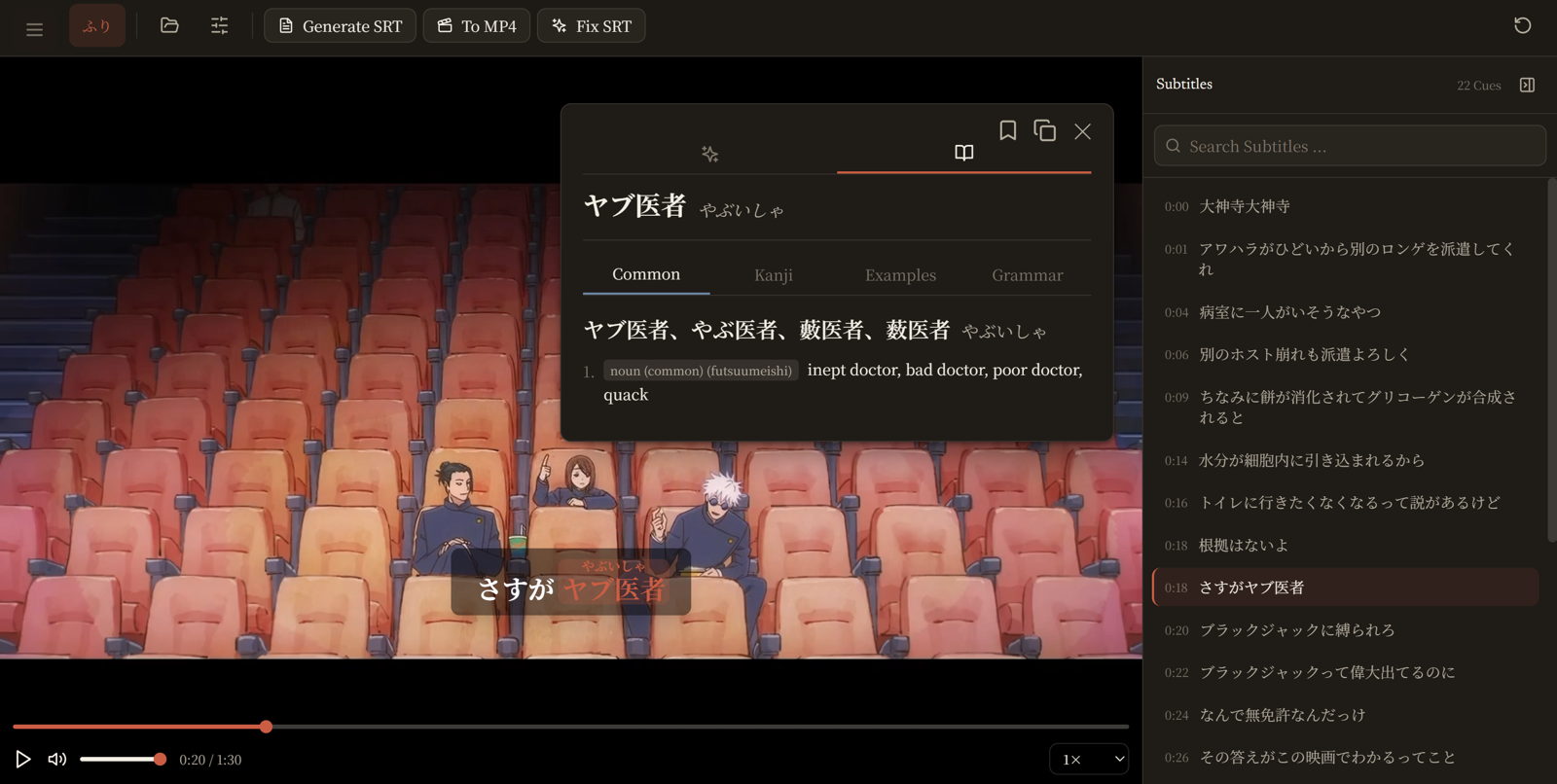
How It Works
Services
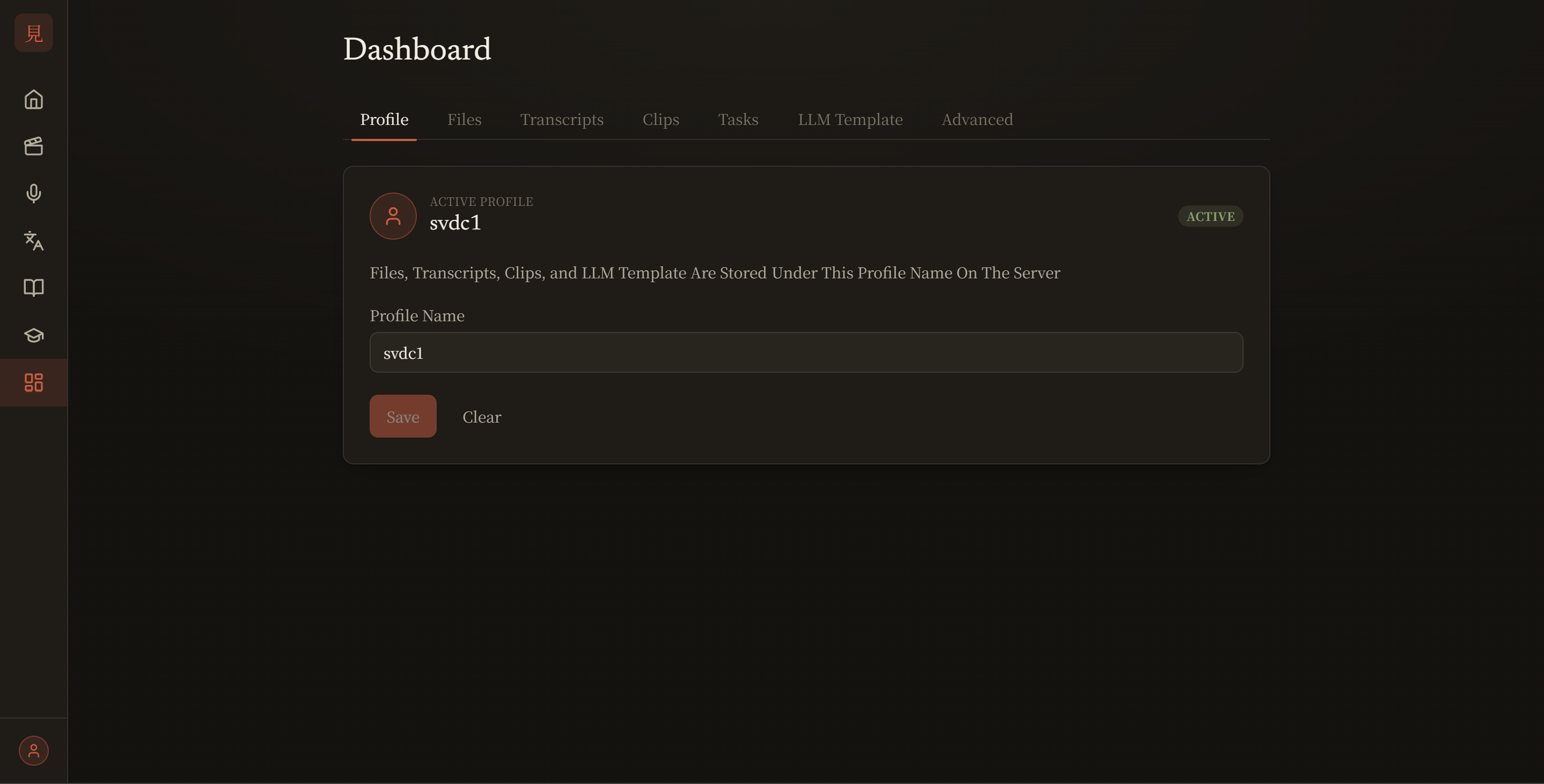
Mirumoji Is A Docker Compose Application With Two Services
-
Frontend→ A React app served over HTTPS that you open in any browser on your network -
Server→ A FastAPI backend that tokenizes Japanese, runs transcription, manages your profiles, and talks to optional cloud services
Optional Features
Two capabilities are optional and entirely under your control. Everything else (your media, profiles, clips, and database) stays in your machine
-
Transcription Backend→ Runfaster-whisperon your local NVIDIA GPU or offload it toModalCloud GPUs (CPU-Only Setup). SeeUsing a GPU -
LLM→ Provide anOpenAI,Anthropic,Gemini, orCustom OpenAI-Compatiblekey to unlock AI sentence breakdowns + subtitle refinement. Without a key, those features are hidden
Get Started
-
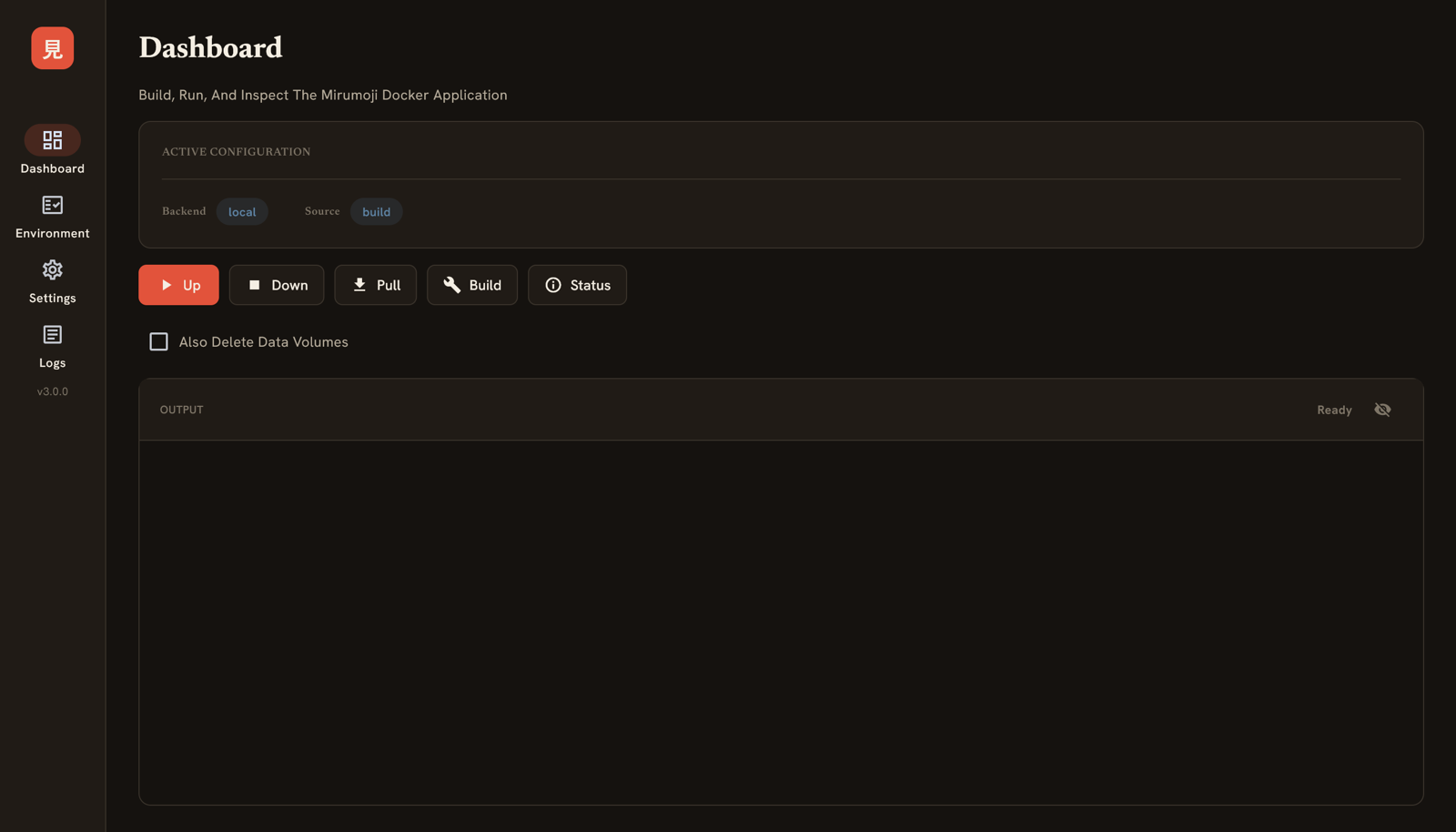
Download Desktop Launcher For Your Platform To Start, Stop, and Configure Mirumoji (Easiest)
-
Install With
pipAnd Run The Docker Compose Application Withmirumoji up(For Those Who Prefer The Terminal) -
Run The Docker Compose Commands Yourself, No Launcher (More Configuration)
-
Every
mirumojiCommand Explained